

DroneDeploy 360 Photos (KAST)
Objective
Beginning in 2025, it is the KAST Standard for all projects to utilize DroneDeploy Ground to capture 360-degree project progress images. The links below outline the process for setting up your project, making your captures, purchasing your hardware, and viewing and working with the resulting images.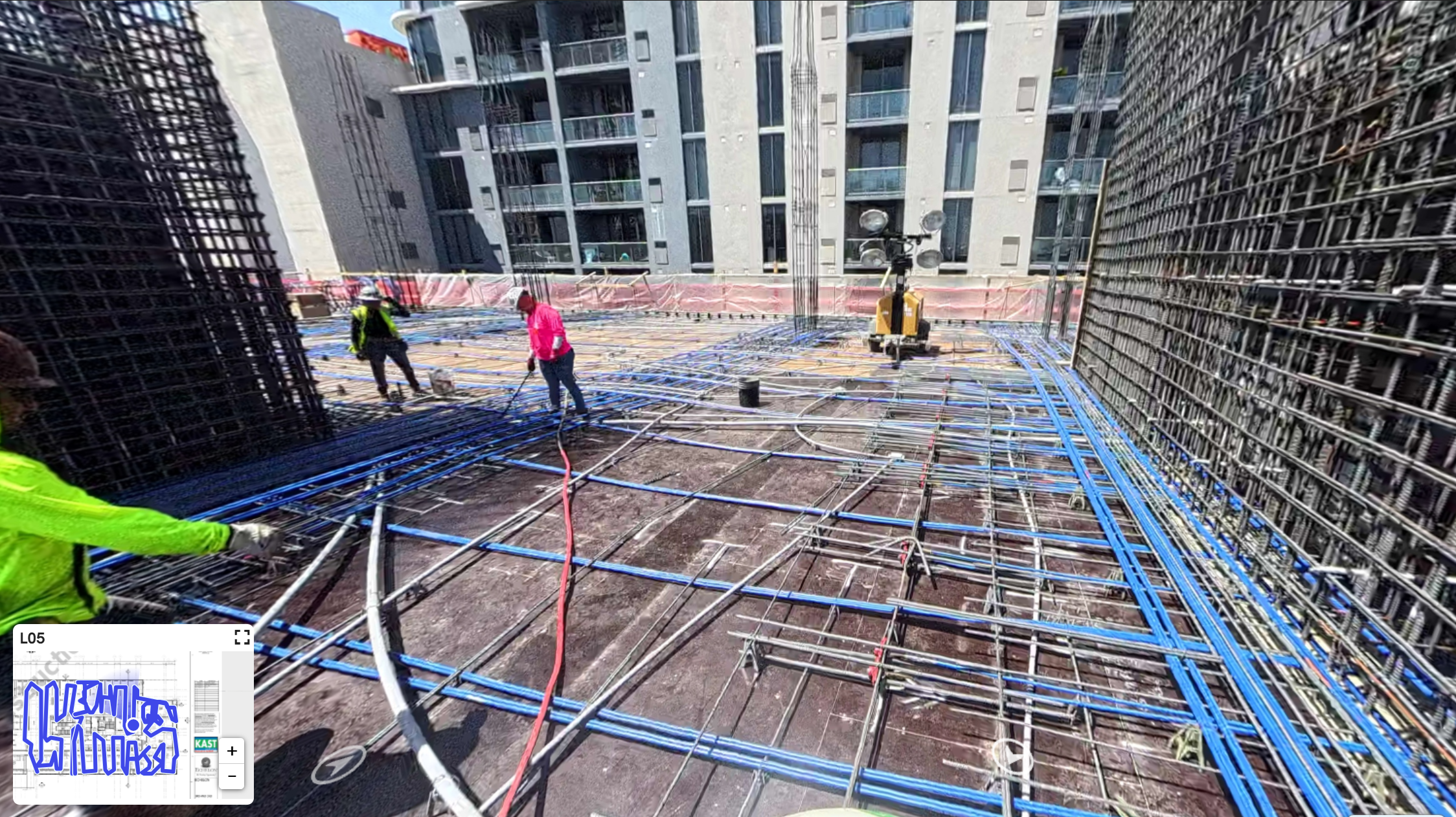
DroneDeploy Ground allows users to walk the project with a 360-degree camera mounted on a hard hat (it can also be hand-held). The camera captures imagery keyed to the project floorplans, allowing easy reference from remote locations or later with precise locations within the building and a complete 360-degree look around/up/down at any location captured.
DroneDeploy acquired Structionsite in 2022, and the software has been merged as of 2025. KAST has been a customer of both products for several years, and this merger allows projects, the company, and clients to manage and view aerial (drone) and ground (360) reality-capture imagery in one place. DroneDeploy Ground is similar to Holobuilder, Openpace, Cupix, and other products you may be familiar with from prior companies. At KAST, we utilize DroneDeploy Ground; other products and services are not authorized (including Multivista).
Steps
| 01 | KAST Ground Capture Operations | 04 | Capture Basics | 07 | Reporting |
| 02 | 05 | 08 | Integrations and BIM Compare | ||
| 03 | Project Setup | 06 | Viewing your Images | 09 | Resources and Support |
Things to Consider
Creating a Project:
- Before creating captures for a new project, the project will need to be created in DroneDeploy
- If drone captures have already been performed for your project (perhaps as part of the BD and Precon process), the 360 photos will live in that same project
- Please email 360photos@kastbuild.com to have your project created and users added
Choosing your Hardware
Capture Cadence & Standards
At a high level, always walk and capture before covering up work (e.g., prior to backfilling underground, before concrete pour, prior to hanging drywall, etc.). Align milestones to the project schedule.
It is critical to discuss the project's capture needs with the project site staff and PX and develop a plan for ensuring captures are happening as required.
