

KAST Ground Capture Operations
Objective
This section will describe identified use cases and the benefits of capture during these construction phases.
Use cases for DroneDeploy Ground by phase of construction:
Pre-construction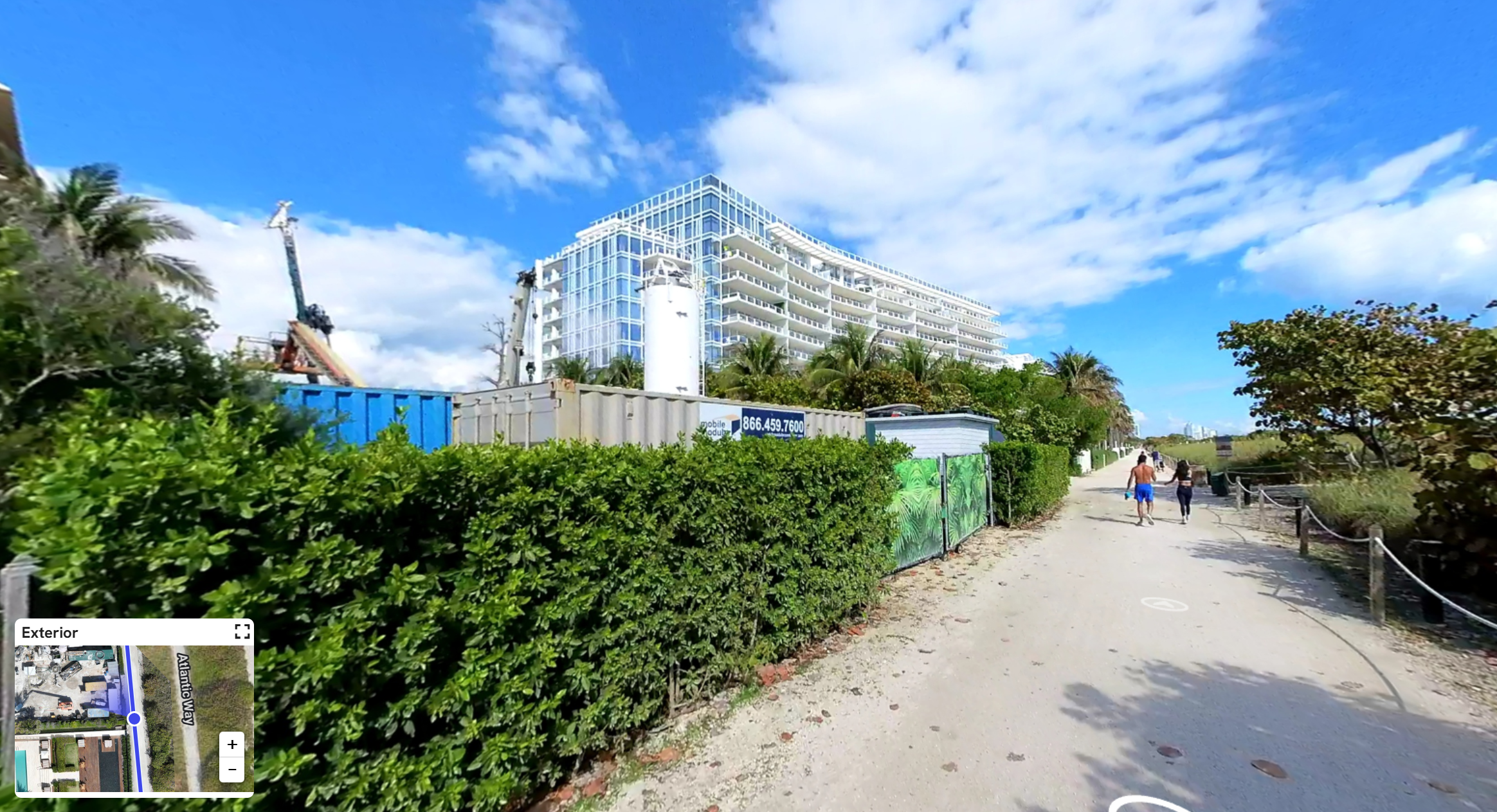
- Site Surveys and Assessments: Gather detailed 3D data of the site terrain, existing structures, and utilities for planning and design.
- Bid Proposals and Feasibility Studies: Create immersive virtual tours and walkthroughs to enhance your proposals and trade partners’ bids and give potential clients confidence.
- Environmental Impact Assessment: Before construction begins, document existing vegetation and site conditions, as well as the installation and maintenance of erosion and sediment control.
- Demolition Planning and Documentation: Capture existing conditions and record demolition.
SITEWORK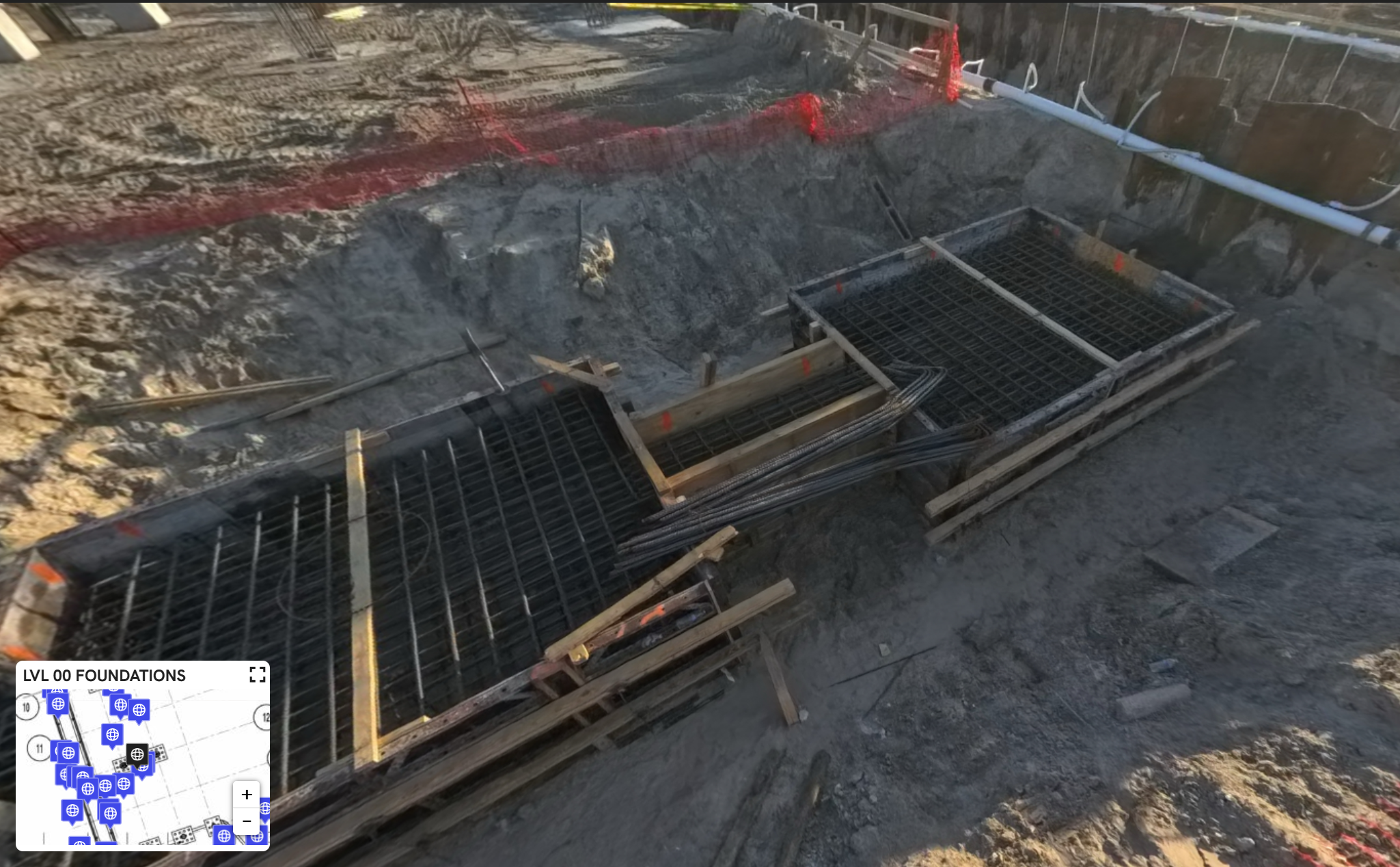
- Underground Utilities: Capture a complete view of trenching work and conduit installations during underground work to help avoid accidental dig-ups and document safety protocols, such as shoring and bracing.
- Foundations: Capture ground 360-degree imagery to inspect the work installed and validate the installation of key structural elements. If a core drill is needed after the pour, use documentation paired with X-ray mode.
Structure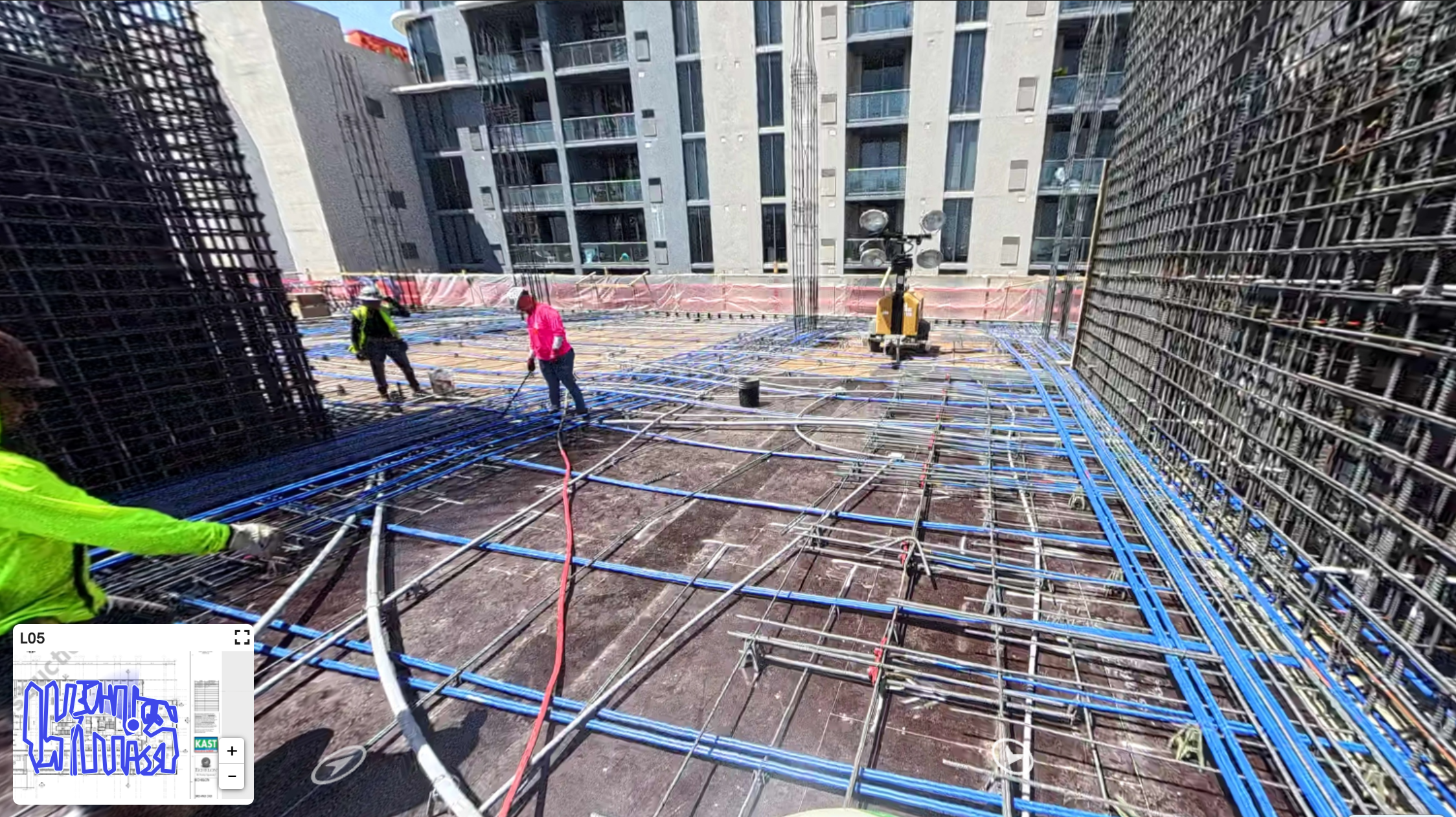
- Concrete: Capture 360 views of formwork, in-slab element placement, and concrete pours for better quality control and enhanced progress tracking.
- Steel: Capture the steel erection process, including beam placement, bolting, and welding, for quality control, progress tracking, and safety assessments. Record the application of fireproofing materials on steel structures, ensuring code compliance and providing visual evidence for future inspections.
Exterior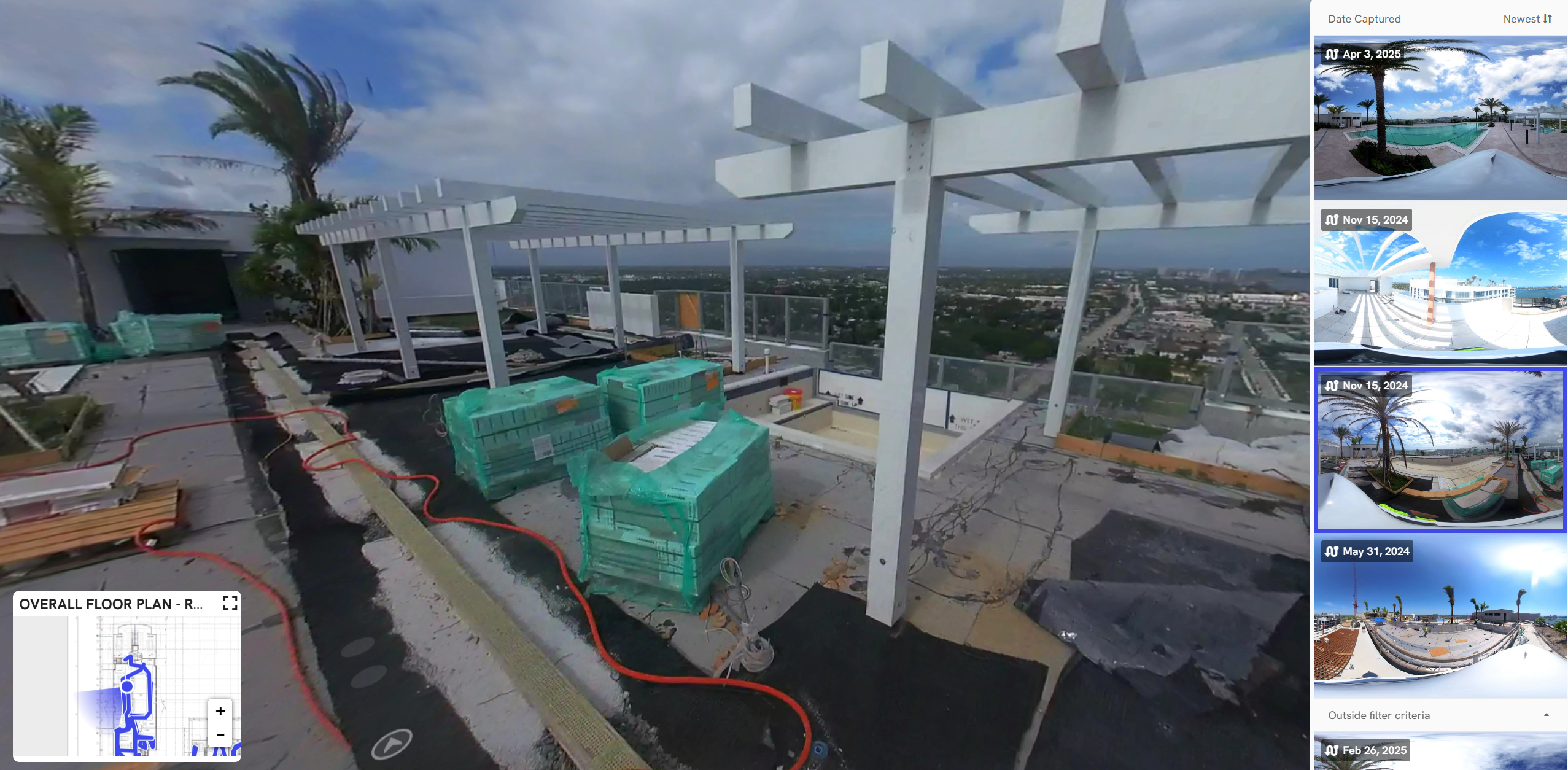
- Roofing: Capture the roofing installation process, including waterproofing and flashing work, for thorough quality control.
- Envelope: Capture key aspects of the building exterior skin during construction and after completion (windows, landscaping, etc.)
Interior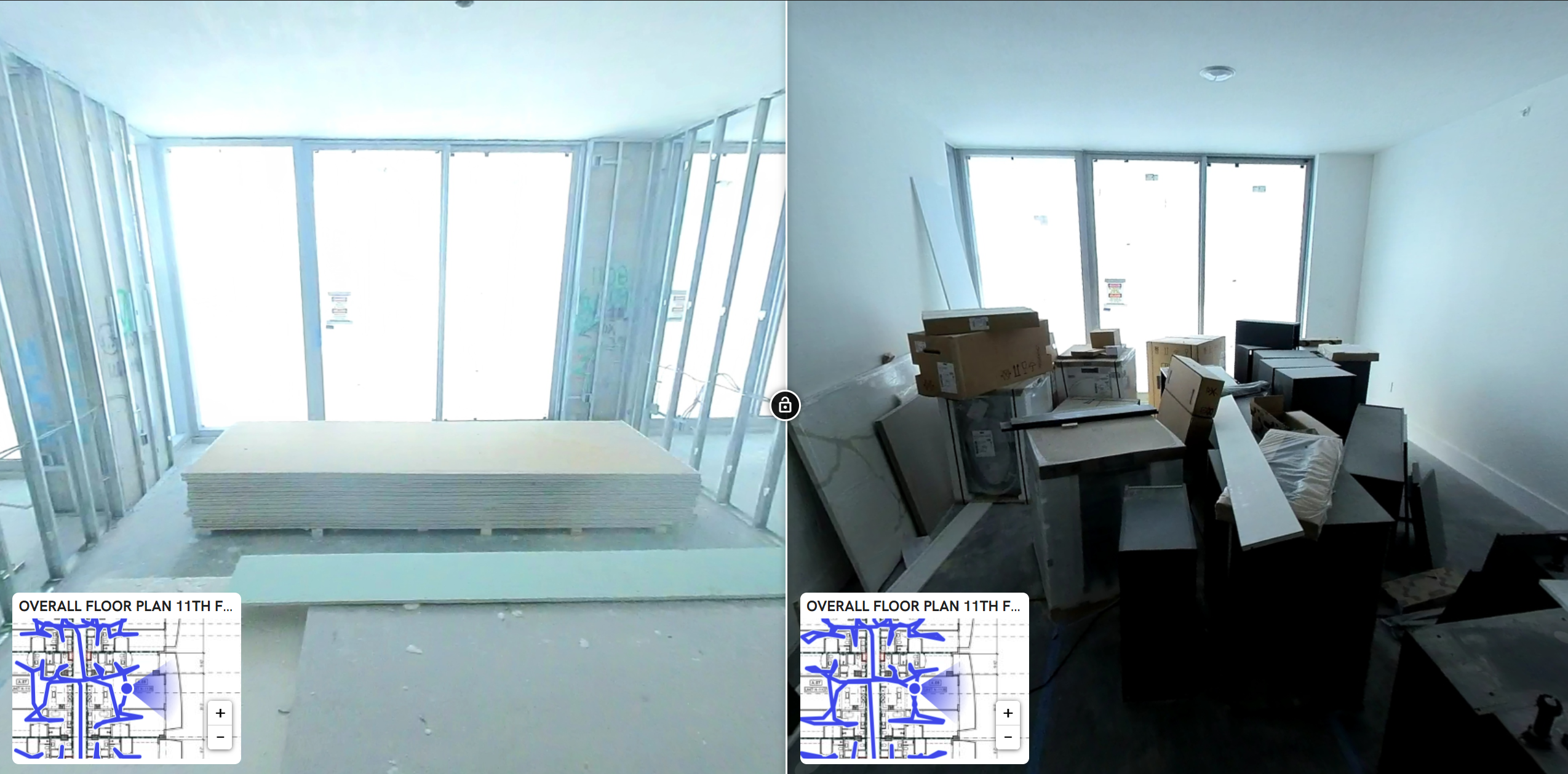
- Interior Framing: Capture interior framing before, during, and after drywall installation to capture in-wall elements. Use this documentation later with the X-ray mode to view in-wall elements on finished walls.
- MEP: Capture the installation of MEP systems
- Ductwork, piping, conduit, etc., for progress tracking, quality control, and trade coordination compliance
- Use the BIM compare feature to compare installed MEP systems with the coordinated model.
- Interior Finishes: Capture finished surfaces, such as tiling, painting, and flooring, to identify and address any defects before the final handover easily.
Close-out
- Punchlist: Use walks to virtually inspect and mark issues to create punch list items for handover. Provide the owner with an offline deliverable for their facilities maintenance team.
|
|
