

Edit a Submittal Package
| PREVIOUS | CURRENT LESSON (35 of 48) | NEXT |
- Navigate to the project's Submittals tool.
This reveals the Submittals page. - Click Packages.
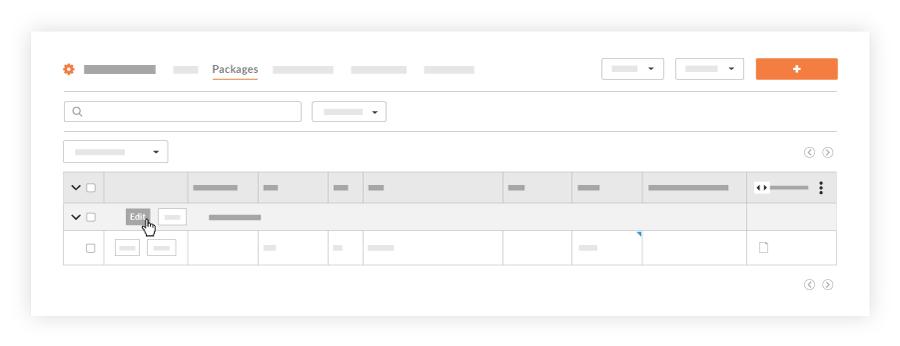
This reveals the Submittal Packages page. - Locate the submittal package that you want to edit and click Edit.
- In the 'General Information' area, update the following fields as needed:
- In the 'Submittals in this Package' list, you have these options:
- To edit a submittal item, click in any cell with a BLUE caret in the top-right corner and change the value as needed.
OR - To remove a submittal item, click the RED 'x' to remove a submittal from the package.
- To edit a submittal item, click in any cell with a BLUE caret in the top-right corner and change the value as needed.
- In the 'Create a New Submittal in this Package' area, you can update the values in these fields:
- In the 'Add Existing Submittals to this Package' list, you have these options:
- To narrow the items in the list, select a spec section from the Filter List By Spec Section field.
AND - To add an existing submittal to the package, mark the check box that corresponds to the desired package.
- To narrow the items in the list, select a spec section from the Filter List By Spec Section field.
- Click Update.