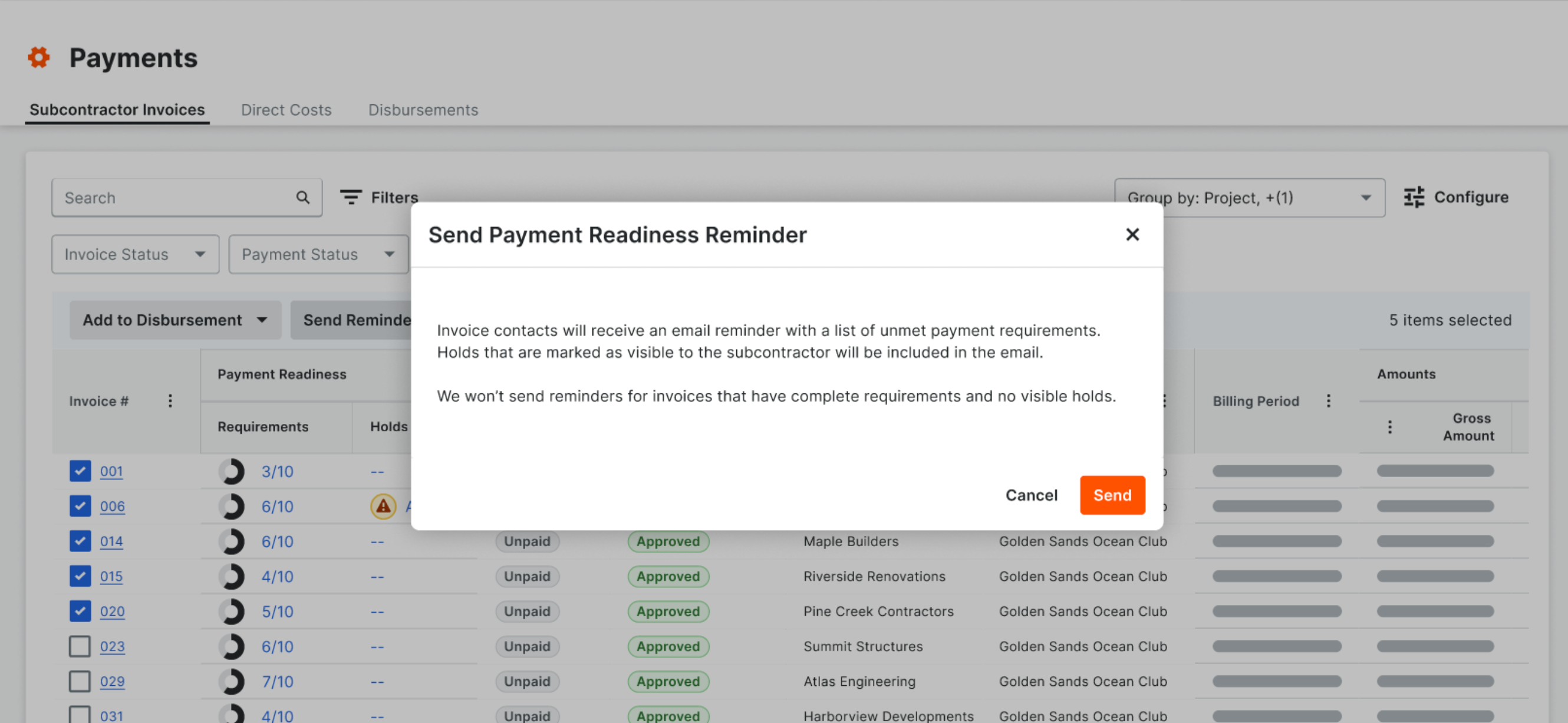
Send Reminder Emails from the Payments Tool
Steps
-
Navigate to the Company level Payments tool.
-
Click the Subcontractor Invoices tab.
-
Select one (1) or more invoice(s) by marking the checkbox(es) and click Send Reminder.
-
In the 'Send Payment Readiness Reminder' confirmation modal, review the informational message and click Send.