

Send Punch List Items (Android)
Also available on 

Objective
To email a punch list item from your Android mobile device.
Things to Consider
Steps
Email All Punch List Items
- Navigate to the project's Punch List tool on your Android mobile device.
- Tap the Email
 icon.
icon.
Email Individual Punch List Items
- Navigate to the project's Punch List tool on your Android mobile device.
- Tap the item you want to email.
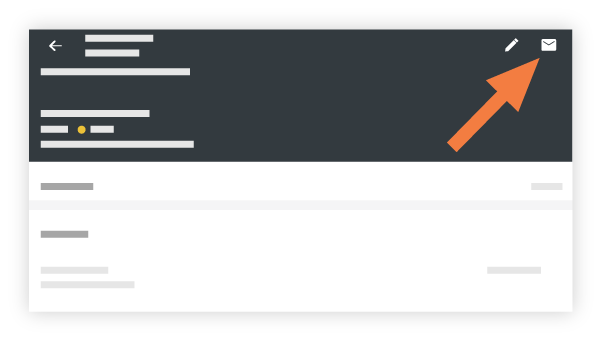
- Tap the Email
 icon.
icon.
- Tap into the following fields to enter the appropriate information:
- To: Add the user(s) who will receive the email.
- CC: Add the user(s) you want to copy on the email. Note: As the creator of the email, you will be automatically CCed on the email.
- BCC: Add any user(s) you want to blind carbon copy on the email.
- Subject: The subject of the email is automatically populated with "FW: Item: [ #]: [title of item ]". You can edit the subject as necessary.
- Optional Comments: Add any additional comments that will be visible on the email.
- Tap Send.