

View Timesheets for All Projects (Android)
Things to Consider
-
You can view timesheets for the following users:
-
Members of a crew of which you are the Crew Lead.
-
Any user you have logged time for during the selected week.
-
-
You can only view timesheets on projects to which you have access. If you do not have access, you will see 'Other Projects' listed under a user. However, the Total Time will include all hours entered for the user.
Steps
-
Navigate to the Timesheets tool on an Android mobile device.
-
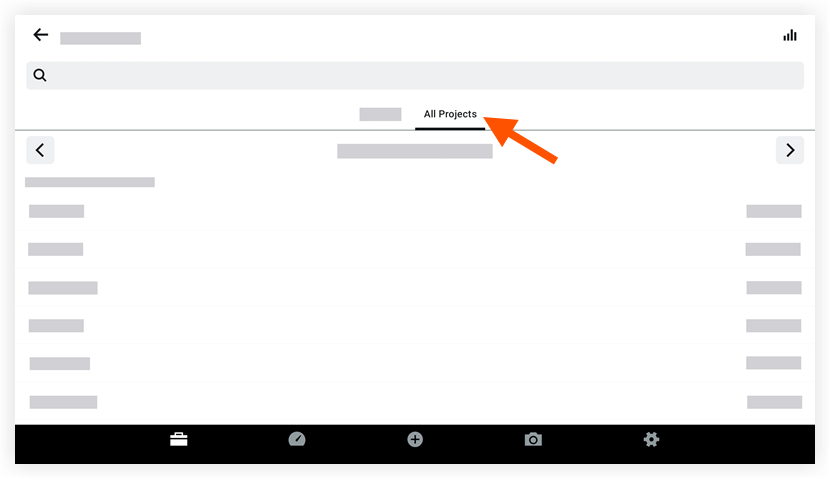
Tap All Projects.
-
Optional: Tap the week for which you want to display timesheets.
-
Click the employee name for whom you want to view timesheets for all projects.