

Generate a PDF of a Submittal in a List
| PREVIOUS | CURRENT LESSON (39 of 48) | NEXT |
- Navigate to the Submittals tool.
This reveals the Submittals page. - Click the desired view: Items, Packages, Spec Sections, or Ball In Court.
Note: If you have 'Admin' level permission on the Submittals tool, you will also have access permission to the Recycle Bin. - Locate the desired submittal.
- On the far-right side of the page, click the PDF icon that corresponds to the desired submittal.
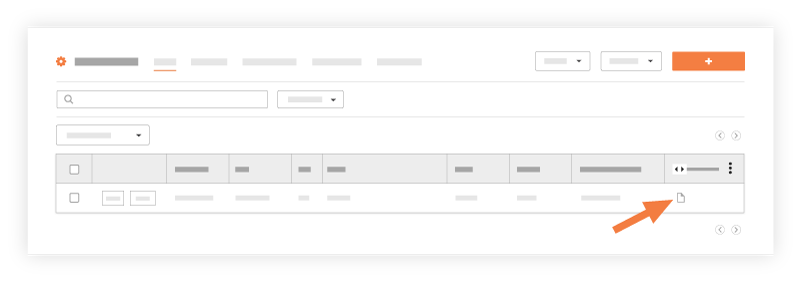
The system opens a PDF version of the selected submittal.