

Delete a Submittal
When you delete a submittal in Procore, the system moves it to the Recycle Bin in the project's Submittals tool. By design, the Recycle Bin cannot be emptied. This ensures that project teams have the ability to restore a deleted submittal at any time throughout the course of the project.
- Navigate to the project's Submittals tool.
- Locate the submittal that you want to send to the Recycle Bin.
- Click View.
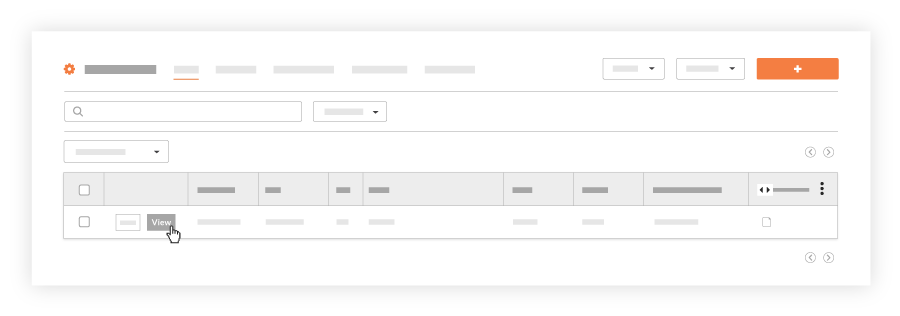
- Click Delete.
Note: You can delete a submittal whether or not members of the submittal workflow have responded to it.

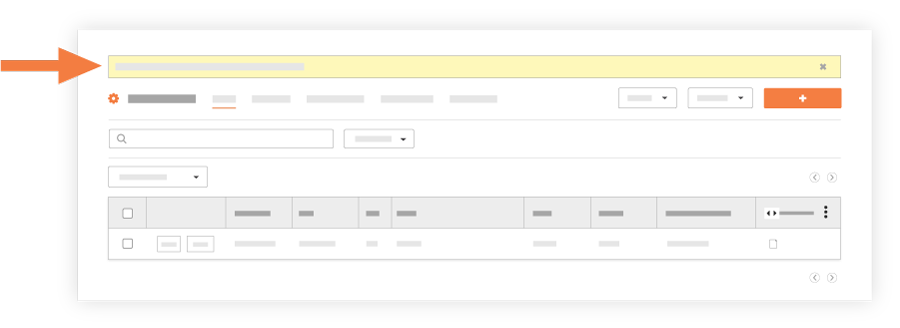
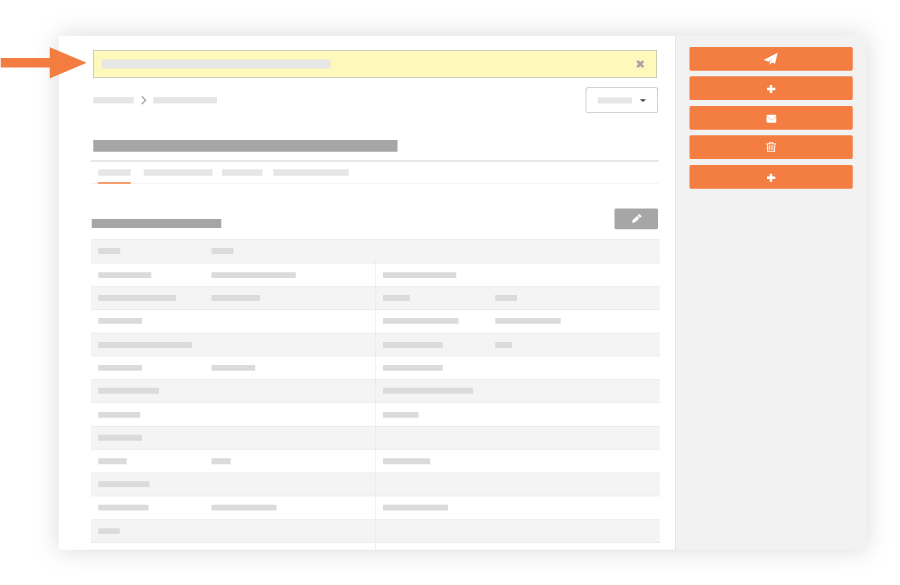
A banner appears at the top of the page, to confirm that the submittal has been moved to the tool's Recycle Bin.
Retrieve a Submittal from the Recycle Bin
- Navigate to the project's Submittals tool.
- Click Recycle Bin.
This reveals the Recycle Bin page.
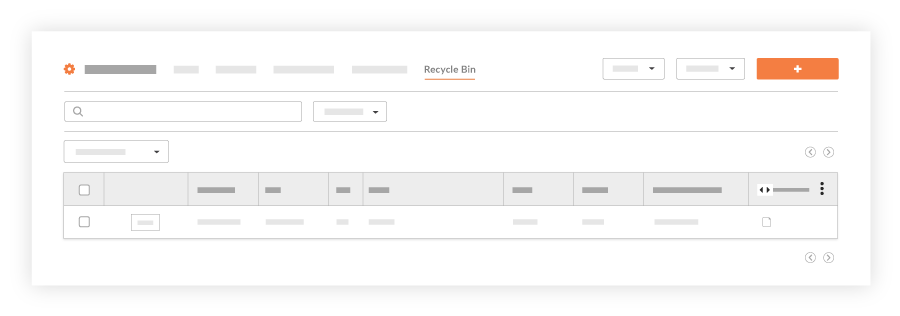
- Locate the desired submittal in the list and click View.
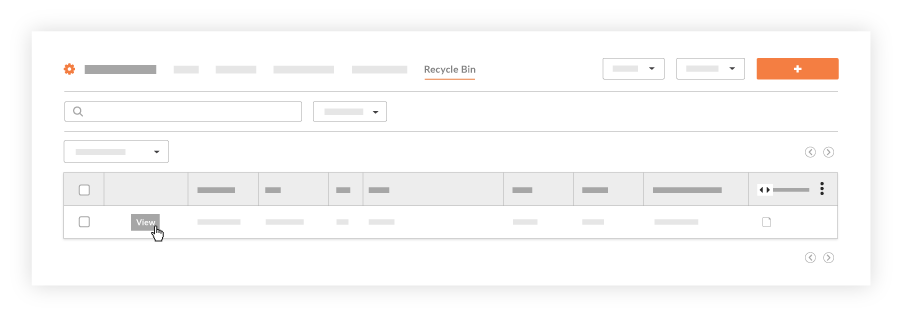
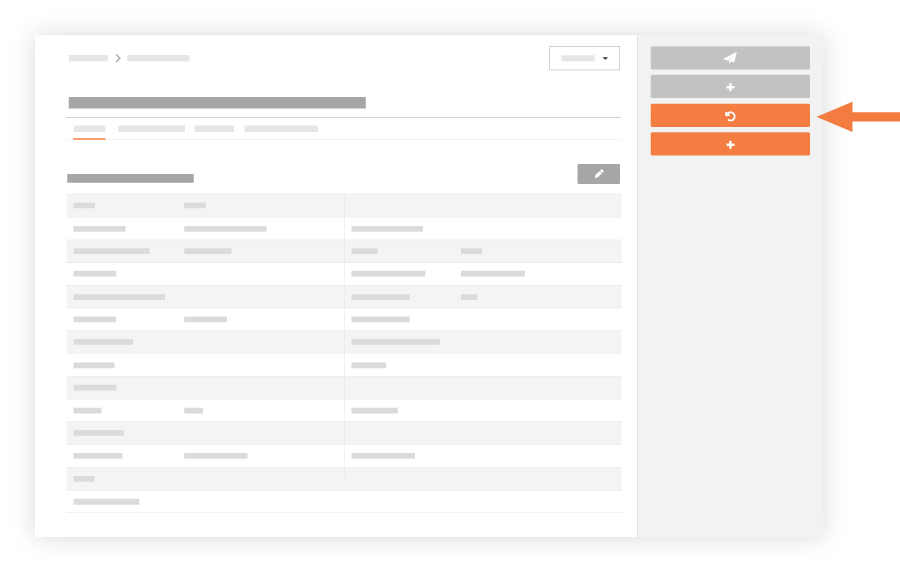
This reveals the recycled submittal in view mode. - Click Retrieve.
A banner confirms that the submittal has been restored from the Recycle Bin.
The system places the submittal in edit mode, so you can modify the submittal.