

Delete a Submittal Package
| PREVIOUS | CURRENT LESSON (37 of 48) | NEXT |
- Navigate to the project's Submittals tool.
This reveals the Submittals page. - Click Packages.
This reveals the Submittal Packages page. - Locate the package to delete and click View.
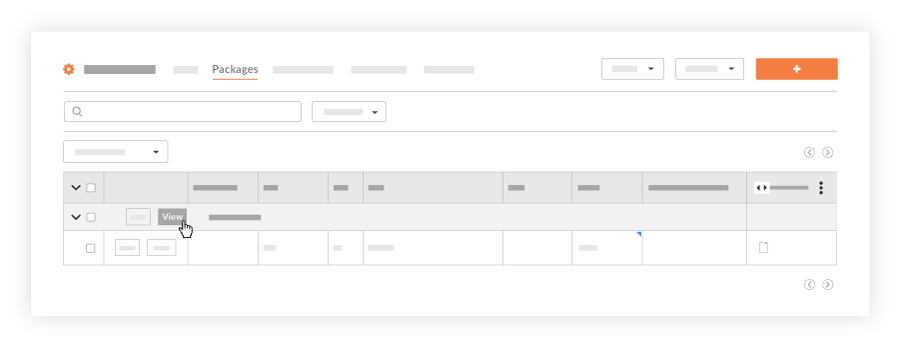
This opens the submittal package in view mode. - Click Delete.
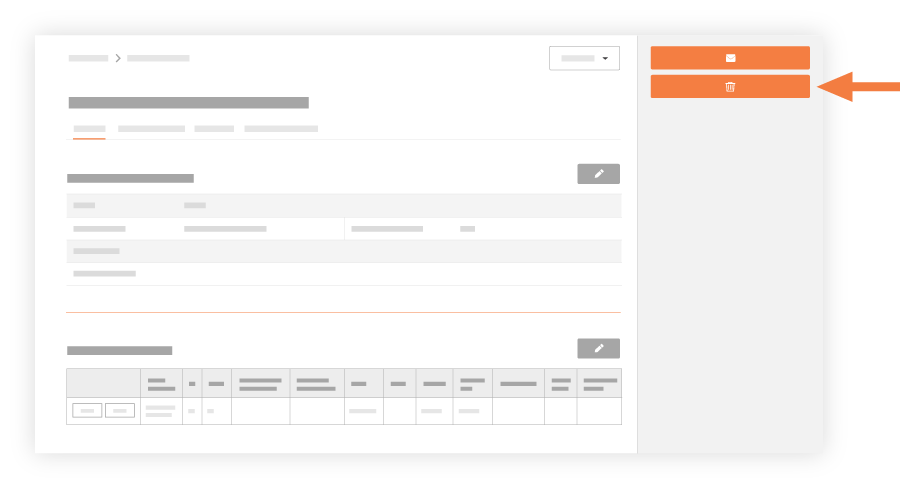
The 'Are You Sure You Want To Delete This Package?' message appears. - Click OK to confirm the delete action.
A 'Your package has been deleted' banner appears at the top of the page.
Note: Any submittals contained in the deleted package are now listed in the Submittals log as 'Unpackaged.' If you want to delete one or more of these submittals, see Delete a Submittal.