
Create a Custom Report from the Daily Log
| Previous | Current Lesson - 22/25 | Next |
- Navigate to the project's Daily Log tool.
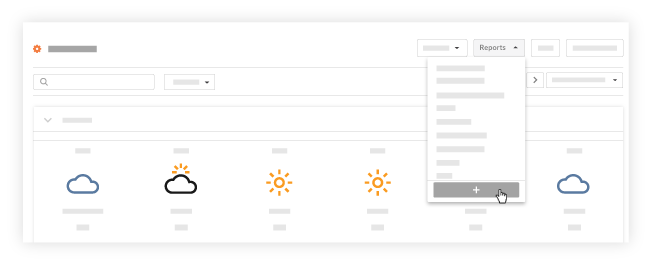
- Click Reports.
- Click Create New Report.
- Follow the steps to create a new report in Create a Custom Project Report.

| Previous | Current Lesson - 22/25 | Next |