

Change the Date To Enter Information For a Previous Day In Daily Log
| Previous | Current Lesson - 12/25 | Next |
- Navigate to the project's Daily Log tool.
- Click on the calendar icon next to today's date to pull up a monthly view.
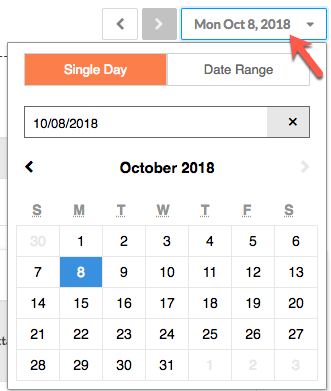
- Select a past date.
- Enter information into the log(s).
- Click Add.
See Also