Upload Bid Documents
| PREVIOUS | CURRENT LESSON (10 of 28) | NEXT |
When you create a bid package, you will want to attach individual documents, subfolders, and/or a folder from your project's Documents tool, which contains all required bid documentation such as the "Bid Set" of drawings, specifications or project manual, bid instructions, addendums, and more. When you select a folder to attach to a bid package, all of its subfolders are also attached. Depending on whether you create a single bid package for the project or choose to create multiple, trade-specific bid packages, it's recommended that you organize your folder and sub-folder structure accordingly.
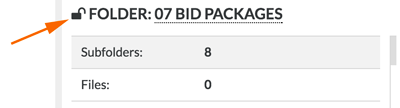
Here is an example folder structure:

- Determine how you want to organize the bid documents in the project's Documents tool.
- Navigate to the project's Documents tool.
- Create a Folder and/or subfolders accordingly.