

Update and Redistribute a Bid Package
| PREVIOUS | CURRENT LESSON (15 of 28) | NEXT |
- Navigate to the project's Bidding tool.
- Click View next to the bid package you want to redistribute.
- Click the Bidders subtab.
- To resend invitations, click the vertical ellipsis (⋮) drop-down menu at the top of the page.
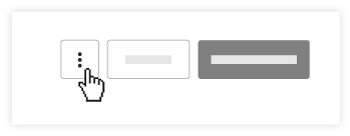
- Click Resend Invitations.
Note: This will open a window that displays all of the bidders in your package.
OR
- To resend invitations to an individual bidder, click Reinvite next to the bidder's name.

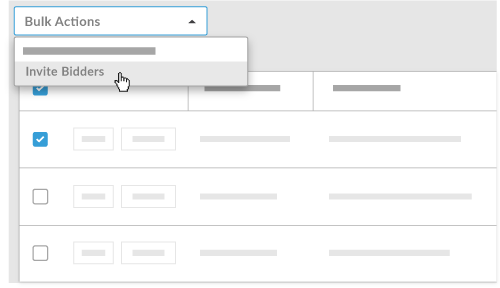
OR - To resend invitations to multiple bidders, mark the checkbox next to each bidder's name.
- Click Bulk Actions.
- Select Invite Bidders.
Note: Invitations will not be sent to Bidders with the Intent "Will not Bid".
- To replace people from the invitation list, click Reinvite next to the bidder's name.
- Click the X next to the user's name.
- Select a new Person from the Recipients drop-down menu.
Note: Users must be associated with the company name or cost code to be listed in the drop-down menu. - Click Resend these invitations.
Note: This will resend a similar bid invitation email as the one they initially received. For an example of this email, see Create a Bid Package. - If you'd like to send your bidders an email explaining the change, see Send a New Correspondence in the Bidding Tool.