

Retrieve a Bid Package from the Recycle Bin
| PREVIOUS | CURRENT LESSON (17 of 28) | NEXT |
- Navigate to the project's Bidding tool.
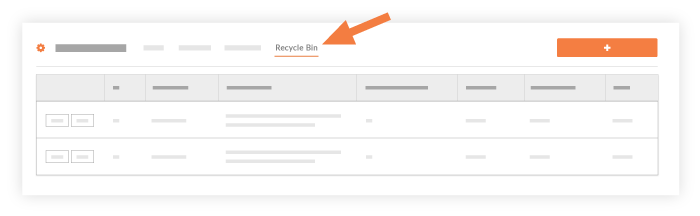
- Click Recycle Bin at the top of the page.
- Click View on the bid package that you want to retrieve.
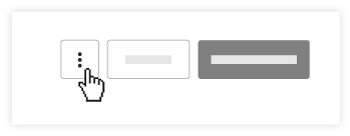
- In the bidders subtab, click the vertical ellipsis (⋮) at the top of the page.
- In the drop-down menu, click Retrieve Bid Package.
- Click OK to confirm the retrieve action.
- This will move the bid package out of the Recycle Bin and move it back into the 'All' Bid Packages view.