

Delete a Bid Package
| PREVIOUS | CURRENT LESSON (16 of 28) | NEXT |
- Navigate to the project's Bidding tool.
- Click the red 'x' next to the bid package you would like to delete.
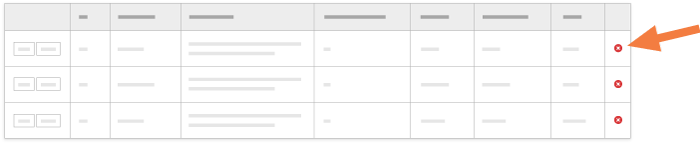
- Procore will verify that you would like to delete the selected bid package. Click Ok.
- The page will reload, and the bid will now appear in the Recycle Bin.