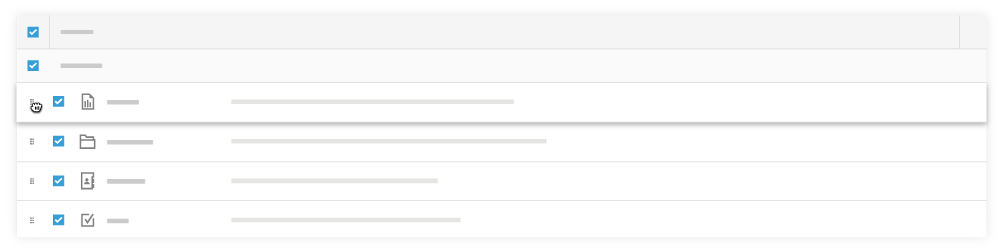
Hover over the grip ⁞⁞ icon next to the tool you want to move.
Use a drag-and-drop operation to move the tool to a new position.
Click Update.
The menu options now appear in the specified order in the Project Tools menu. IMPORTANT! This affects how tools appear in the Procore web application for all project users.