

Open Items from the Project Overview in the Project's Home Page
- Navigate to the project's Home page.
- Under Project Overview, choose one of these options:
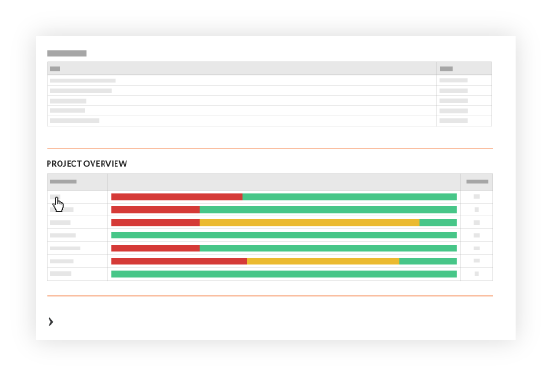
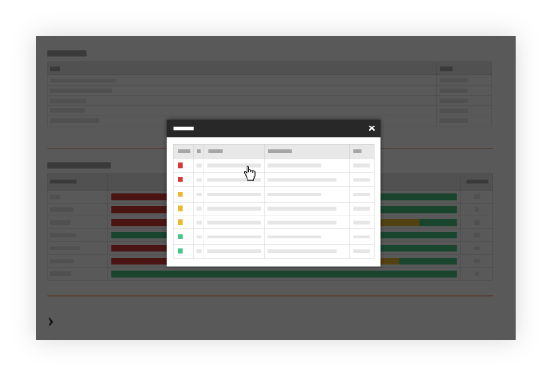
- View Items By Tool To view the open items for the listed tools, click one of the links in the Overview column in the Project Overview section. This action reveals a pop-up window that shows a summary about the open items for the selected tool. You can click one of the Subject links in the pop-up window to open the item in the corresponding tool.
-
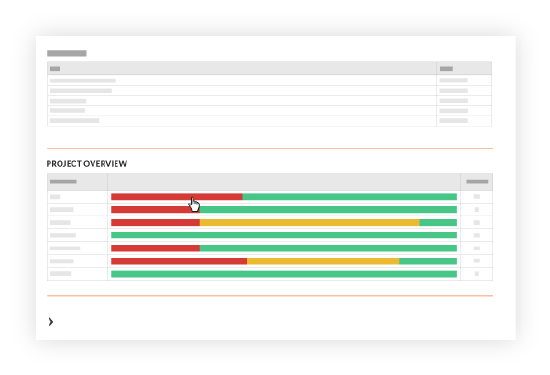
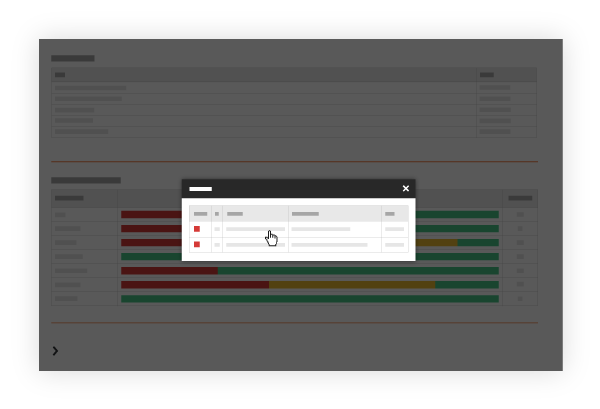
View Items By Status To view items by status, click the bar chart for the desired status in the Project Overview section. This action reveals a pop-up window that shows a summary of the open items for the selected tool. You can click one of the Subject links to open the item in the corresponding tool.
-
- View Items By Tool To view the open items for the listed tools, click one of the links in the Overview column in the Project Overview section. This action reveals a pop-up window that shows a summary about the open items for the selected tool. You can click one of the Subject links in the pop-up window to open the item in the corresponding tool.