

EPM Request
Objective
This process will submit an EPM request to the GGISS team within the Procore project itself or within the generic EPM Project.
Steps
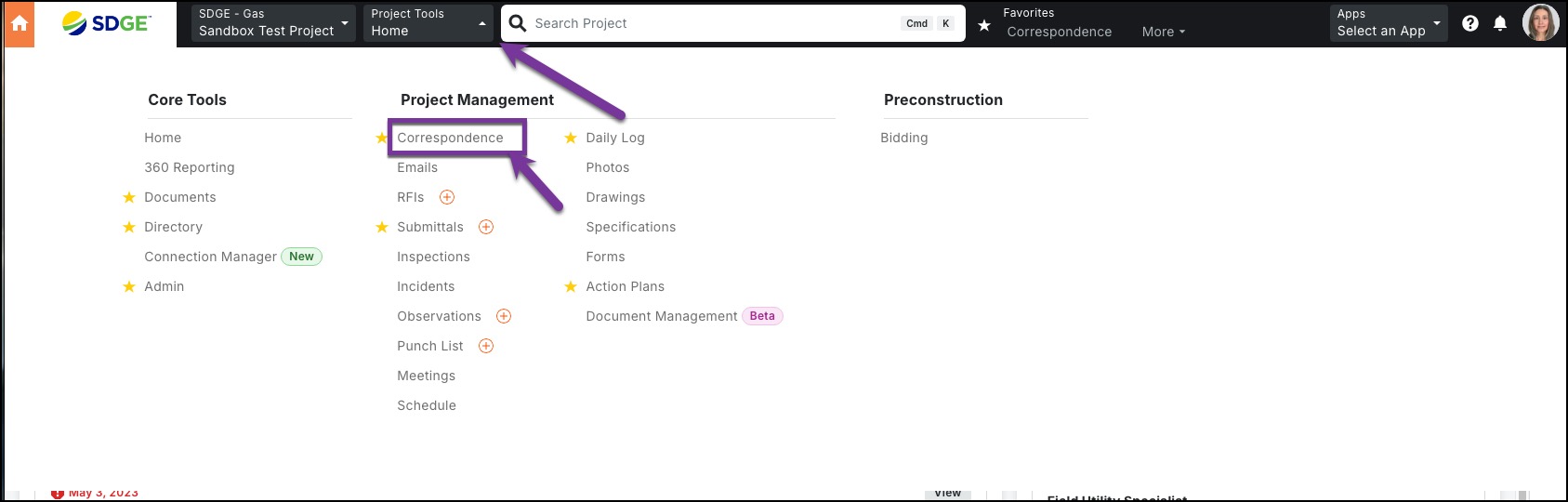
1. In either the actual Procore project for which you are requesting, or in the EPM Request Procore hub project for projects not run through Procore, click the Project Tools dropdown, then click on Correspondence.
2. Click the orange +Create button and select the (Gas) EPM Request form.

3. Complete ALL asterisked fields.

In Assignees, enter the GGISS Distribution Group which will auto populate Bibian Pusod's name. Once all fields are completed, click the orange Create & Issue button.

4. Your completed form will look like below. Once GGISS processes, they will close out the form.
