

Download an Analytics Report
Background
You can download an out-of-the-box Analytics report to use the report as is, view and edit the report, or upload it to the Power BI service or desktop. You can also download a report when you need to upload an updated Analytics report to replace an existing version in your Power BI Workspace.
Things to Consider
Steps
-
Navigate to the Company level Analytics tool.
-
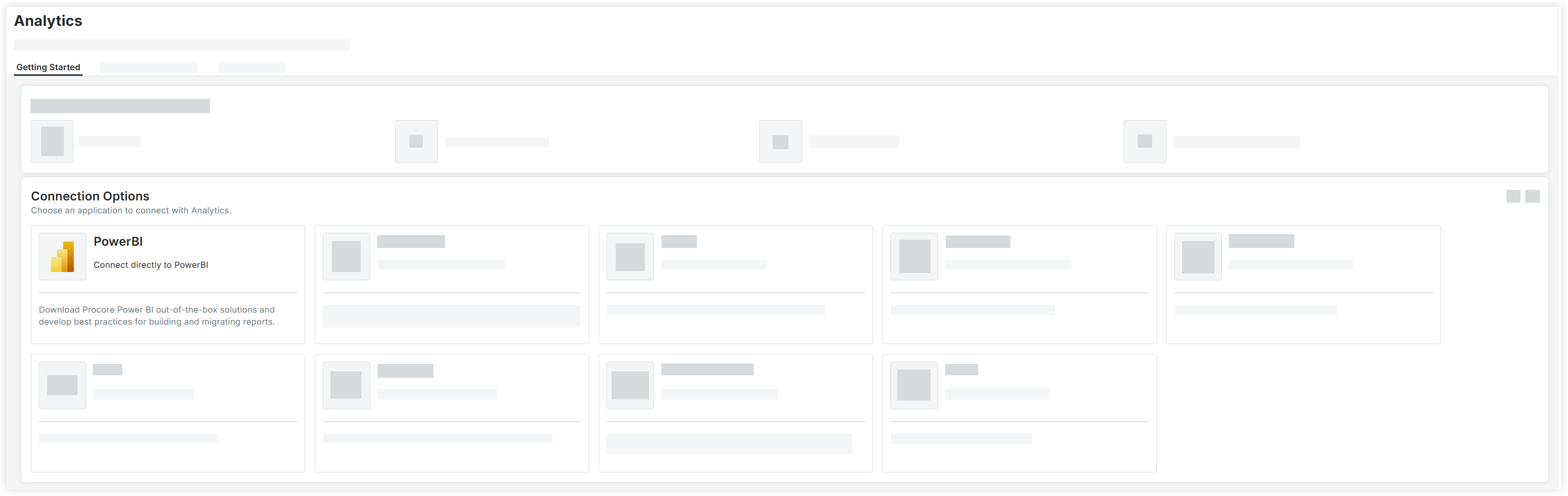
On the Getting Started tab, select PowerBI under Connection Options.
-
Mark the checkbox next to the out-of-the-box Analytics report.
-
Scroll to the top of the page and click Download Selection.