Add a Comment to a Photo (iOS)
Objective
To comment on a photo in the Photos tool using an iOS mobile device.
Things to Consider
- Required User Permissions:
- 'Standard' or 'Admin' level permissions on the project's Photos tool.
- Additional Information:
- Users can also add a comment to a photo when editing a photo's image. See Edit a Photo's Information (iOS).
Steps
- Navigate to the project's Photos tool using the Procore app on an iOS mobile device.
- Tap the ellipsis
 and select Feed View
  .
. - Tap Comment
 under the photo that you want to add a comment to.
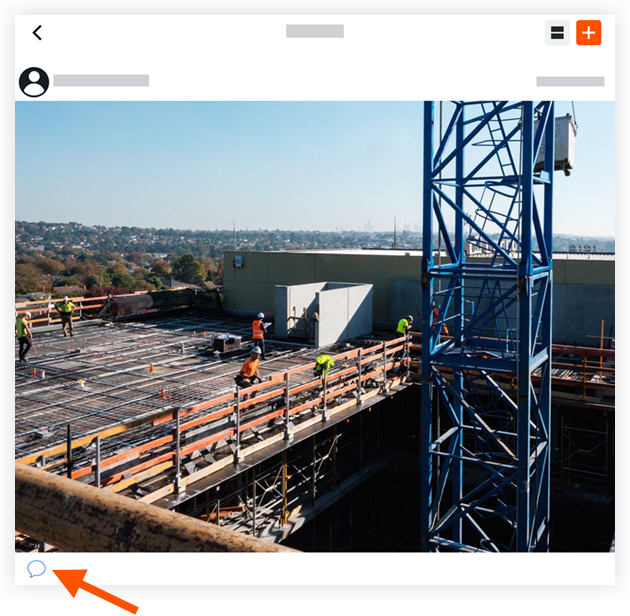
- Enter the comment.
- Optional: Tap
 to mention a team member in the comment. See Mention Someone in a Photo Comment (iOS).
 - Tap Send.
This comment will appear under the photo in the photos feed.
If you would like to learn more about Procore's construction photos management software and how it can help your business, please visit our construction site photos software product page  .
.
.