

Change Permission Settings on Insights (DEPRECATED)
Objective
To change the permission settings on general conditions and RFI insights.
Background
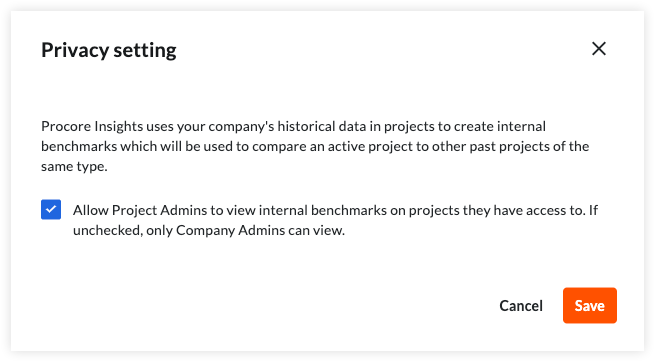
Company administrators can use the permission setting on general conditions and RFI insights to control whether Project administrators are allowed to see insights, including internal benchmarks, for the projects they have access to. Permissions dictate access to both insights; permission must be granted or restricted for both, it cannot be granted for one and not the other.
Things to Consider
- Required User Permissions:
- 'Admin' level permissions on the Company level Directory tool.
Steps
- Navigate to the Project home, Account home, or the budget tool.
- Open the menu on the General Conditions or RFI insights card and choose Privacy Setting.

- Use the checkbox in the confirmation dialog to control whether Project administrators are allowed to see the internal benchmarks for the projects they have access to.
Note: Project Admins must also have 'Admin' level permissions within the project's Directory tool.
- Click Save.