View Bid Files
| PREVIOUS | CURRENT LESSON (3 of 28) | NEXT |
- Navigate to the project's Bidding tool.
- Click View next to the bid package you want to view bid files for.
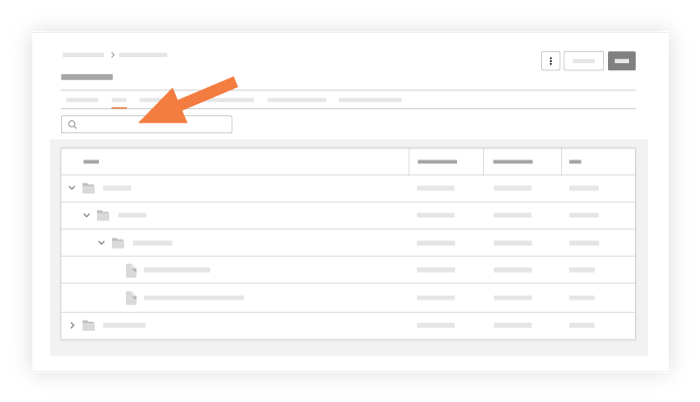
- Click the Files subtab.
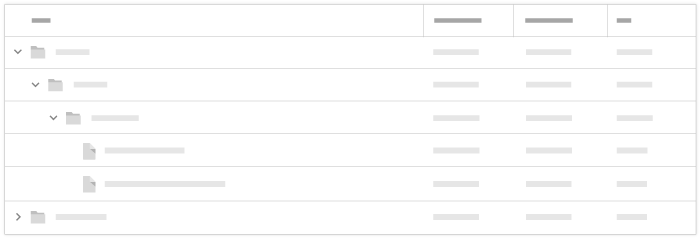
- Click each folder and subfolder's name to display the folder's contents.
Note: You will be able to view when a bid file was uploaded, modified, and its file size.
- Type a file name into the search field to narrow your results.