

Create a Bidding Report
| PREVIOUS | CURRENT LESSON (27 of 28) | NEXT |
- Navigate to your project's Bidding tool.
- Click View next to the bid package you want to create a report for.
- In the Overview subtab, click the vertical ellipsis (⋮) at the top of the page.
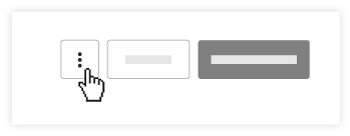
- In the drop-down menu, click Email Bidding Report.
Procore will email you a zip file with a single PDF that contains bid package details, bid list table, and every bid sheet. All attachments to the bid sheet will appear as individual file folders. For an example of the bid report that will be sent to your email, see here.