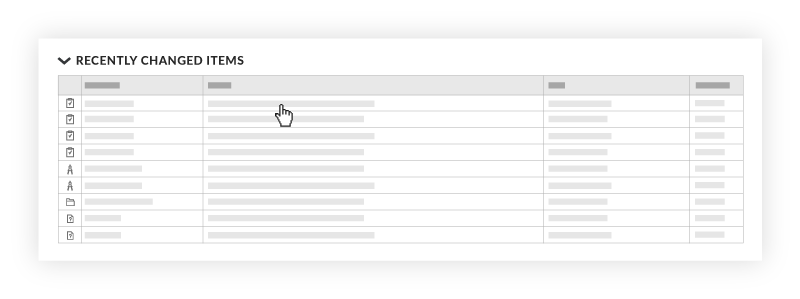
View Recently Changed Items on a Project
nEw Version Available
The Project Overview has replaced the legacy Project Home page and is enabled by default. Learn more about the difference between the legacy Project Home page and the new Project Overview.
To return to the legacy Project Home, Company Administrators can navigate to the Company Portfolio / Procore Home tool, click Manage Settings and toggle Project Overview  OFF.
OFF.
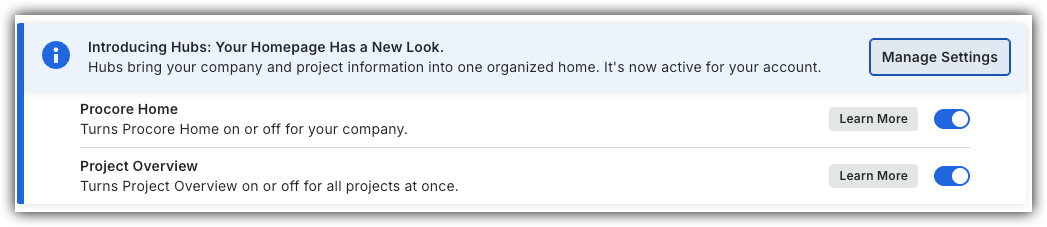
However, later this year it will be sunset and will no longer be available. If your company reverted to the legacy Project Home experience, Company Administrators can re-enable the Project Overview experience in Procore Explore. (US 2 | UK)
Background
The Project Home page contains an expandable section when you can view list of recently changed items from Procore tools. If you have been granted permission to view an item created in one of Procore tools, each item in the list will also contain a link that you can click to view the item.
Things to Consider
-
Required User Permission:
-
'Read-Only' level permission or higher on the project's Home page
-
Steps
-
Navigate to the project's Home page.
-
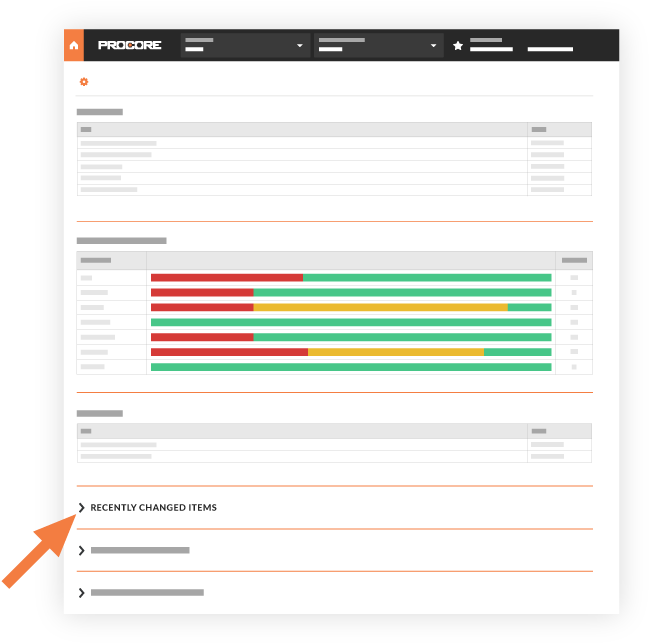
Click the arrow next to Recently Changed to expand the list of items.
-
(Optional) If you have 'Read-Only' level permission to view a listed item, you can click a link in the Details column to open it in the corresponding tool.