Delete an Email
PROCORE SUPPORT: INTERNAL NOTES
When logged in as a Superuser, you might see two 'Delete' buttons on an email in the 'Inbox' or 'All' views. The Delete button without the trash bin icon is Superuser only, and users will NOT see this. ('Admin' users will only see the delete button for permanently deleting while in the Spam or Recycle Bin views.)
Objective
To delete emails in your project's Emails tool.
Background
If you want to remove an email from the Emails tool's main Inbox, you can archive it, mark it as spam, or send it to the Recycle Bin. However, if you want to permanently delete an email, you can do so from the Recycle Bin or Spam views.
Things to Consider
- Required User Permissions:
- 'Admin' level permissions on the project's Emails tool.
- Prerequisites:
- The email message must exist in the Emails - Inbox page. See Create an Email or Send an Inbound Email to the Project's Emails Tool.
- Additional Information:
- You can archive an email, mark it as spam, or send it to the Recycle Bin. See Send an Email to the Recycle Bin below.
- Emails in the Spam or Recycle Bin views can be permanently deleted. See Permanently Delete an Email below.
Steps
Send an Email to the Recycle Bin
- Navigate to the project's Emails tool.
- Select the email you want to send to the Recycle Bin.
- Click Delete.
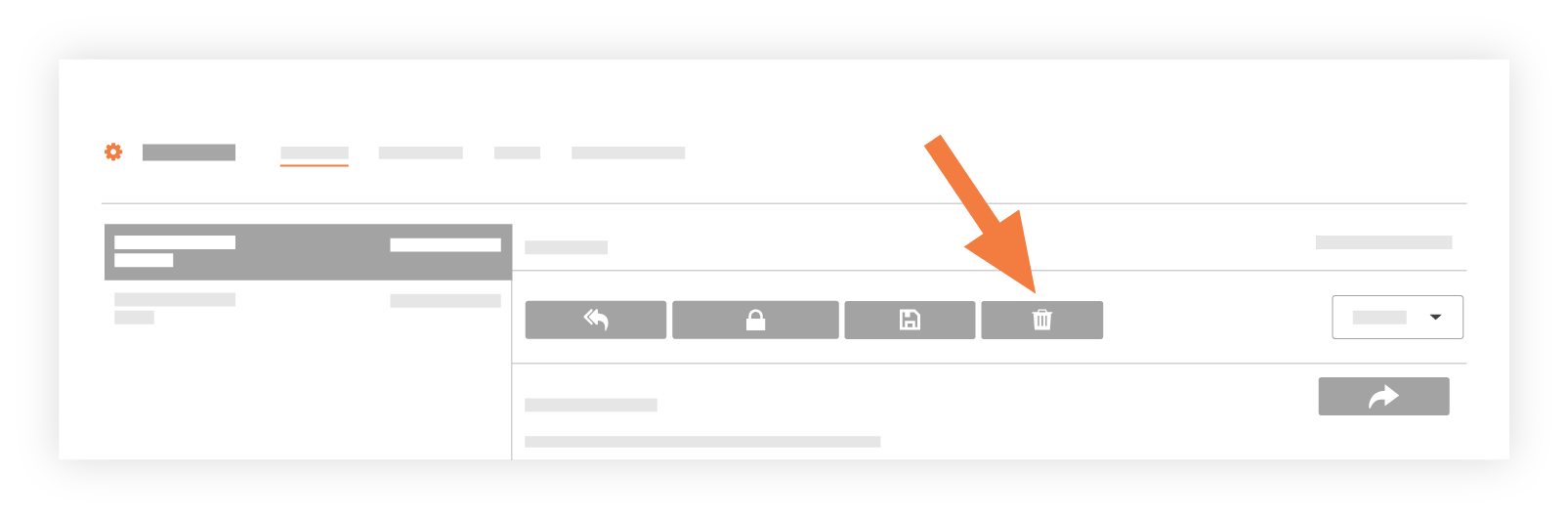
Note: The system immediately sends the selected message to the Recycle Bin.
Permanently Delete an Email
Important! If you delete an email from the Recycle Bin or Spam inbox, it cannot be recovered.
- Navigate to the project's Emails tool.
- Click on the Spam or Recycle Bin inbox to locate the email.
- Select the email you want to permanently delete.
- Click Delete.

- Confirm the deletion.
Note: The email cannot be recovered.
See Also
If you would like to learn more about Procore's email management software and how it can help your business, please visit our construction email management software product page  .
.
.