Delete a Project Single Tool Report
Objective
To delete a custom project report.
Things to Consider
- Required User Permissions:
- 'Standard' level permissions or higher on the Project 360 Reporting tool or user is a company admin..
- Additional Information:
- If you are not a company admin, you can only delete reports that you created.
Steps
- Navigate to the Project 360 Reporting tool.
- Click the name of the report you want to delete.
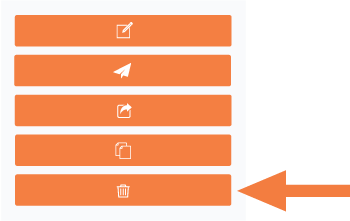
- Click the Delete button in the right pane.
- In the "Are you sure you want to delete Test Delete Report? This cannot be undone." popup-message, click OK.