Export a Commitments List
Objective
To export a list of purchase orders or subcontracts from the project's Commitments tool.
Background
You can export a list of commitments using the options in the Export menu.
Things to Consider
- Required User Permissions:
- 'Admin' level permissions on the project's Commitments tool
OR - 'Read Only' or 'Standard' level permissions on the Commitments tool and you MUST be a designated member of the 'Privacy' drop-down list on the commitment.
- 'Admin' level permissions on the project's Commitments tool
- Supported File Formats:
- Comma Separated Values (CSV)
- Portable Document File (PDF)
- Additional Information:
- To export a single purchase order or subcontract, see Export a Commitment.
Prerequisites
Steps
- Navigate to the project's Commitments tool.
- Click the Contracts tab.
Note
When you first open the Commitments tool, your system's focus is placed on this tab by default. - Click the Export button and choose one (1) of these options:
Note
This action exports any purchase orders or subcontracts in the list. To narrow the number of items showing in the list, see Search for and Apply Filters to the Commitments Tool.
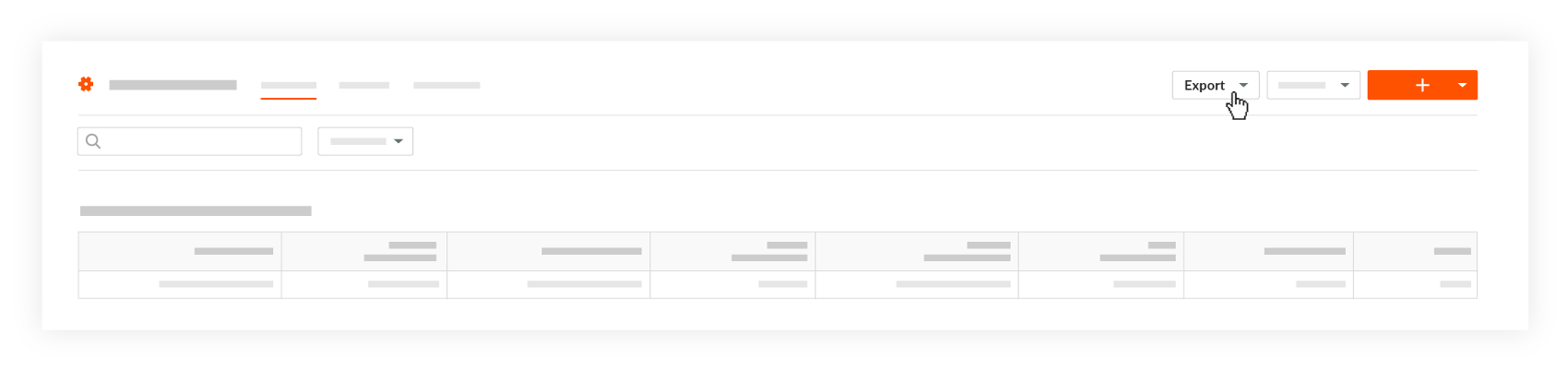
- CSV. Downloads a CSV copy of all the purchase orders and subcontracts in the list to your web browser's download location.
- PDF. Generates a PDF copy of all the purchase orders and subcontracts in the list and opens the exported file in a new browser window.
See Also
If you would like to learn more about Procore's commitments software and how it can help your business, please visit our construction financials tool product page  .
.
.