Delete a Punch Item Template Category at the Company Level
Objective
To delete a punch item template category at the Company level.
Things to Consider
- Required User Permissions:
- 'Admin' level permissions on the Company level Admin tool.
- Additional Information:
- Categories are only created for organizational purposes when managing and creating punch item templates. They will not affect how your Project level Punch List tool is organized.
- Any templates or categories deleted from the Company level will be deleted from all of the projects they have been added to.
Steps
- Navigate to the Company level Admin tool.
- Under "Tool Settings" click Punch List.
- Scroll to the category that you want to delete.
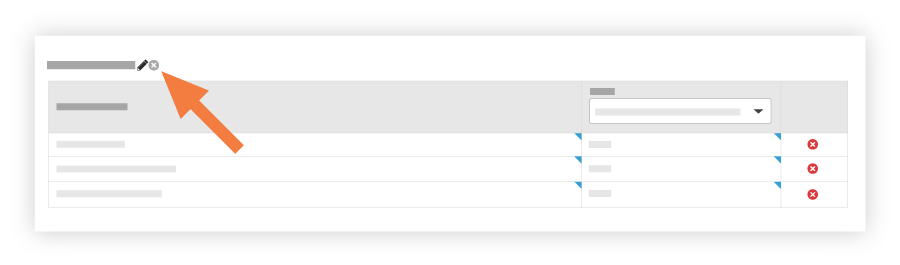
- If you want to delete the category, click the RED 'x' icon next to the category name.
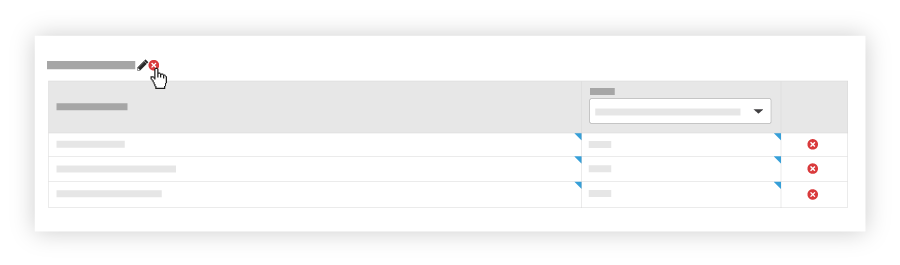
Note: If the 'x' icon next to the category is grayed out and unavailable, hover your mouse cursor over the icon to view a tooltip.