Edit Quantities on a Timesheet (Android)
Things to Consider
Prerequisites
Steps
-
Navigate to the Project's Timesheets tool using the Procore app on an Android mobile device.
-
Select the date containing the timesheet and quantity you want to edit.
-
Tap the timesheet containing the quantity you want to edit.
-
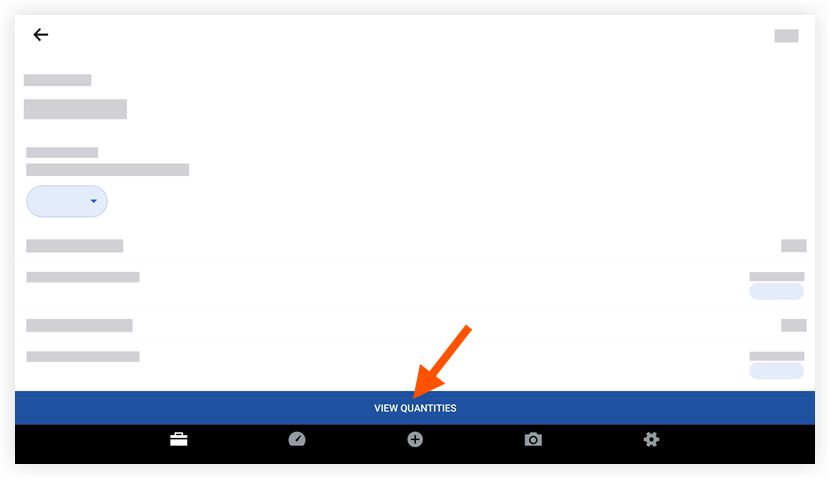
Tap View Quantities.
-
Tap Edit.
-
Tap the quantity you want to edit.
-
Tap a field to modify the desired information.
-
Tap Apply.
-
Tap Submit.